
🎉
Your FREE download is here!
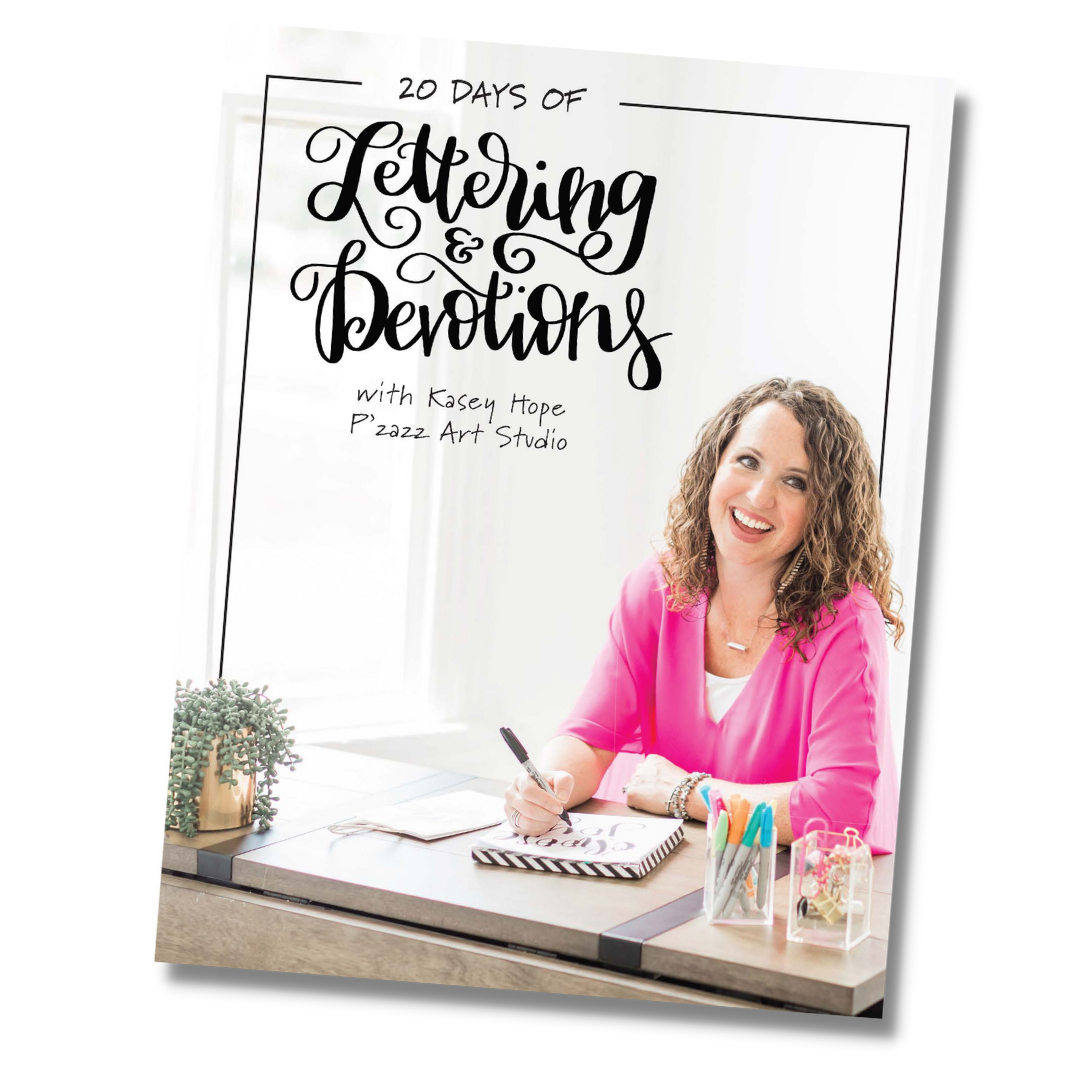
Your email inbox will have your pdf sent to you, too! You may need to check your spam or junk folder!
You can also download your pdf here!👇 First things first — let’s get it printed easily
We know printing can sometimes feel frustrating, so here’s a simple step-by-step to help:
How to Print Your Pages
-
Open the PDF from the button above.
-
Click File → Print
-
Set your paper size to 8.5 x 11
-
Choose “Actual Size” or “100%” (do NOT select “Fit to Page”)
-
Print on:
-
Regular copy paper (easy + affordable)
-
✨ Tip: If the lines look too light or too dark, adjust your printer’s quality settings to “Normal” or “Best.”
Favorite Markers to Use
Use what you already have! These work beautifully!
-
Crayola Broad Tip Markers
-
Crayola Super Tips
-
Tombow Dual Brush Pens
-
Or any markers you have laying around at home
This is meant to be fun and stress-free — marker over the traceable, no fancy skills required.